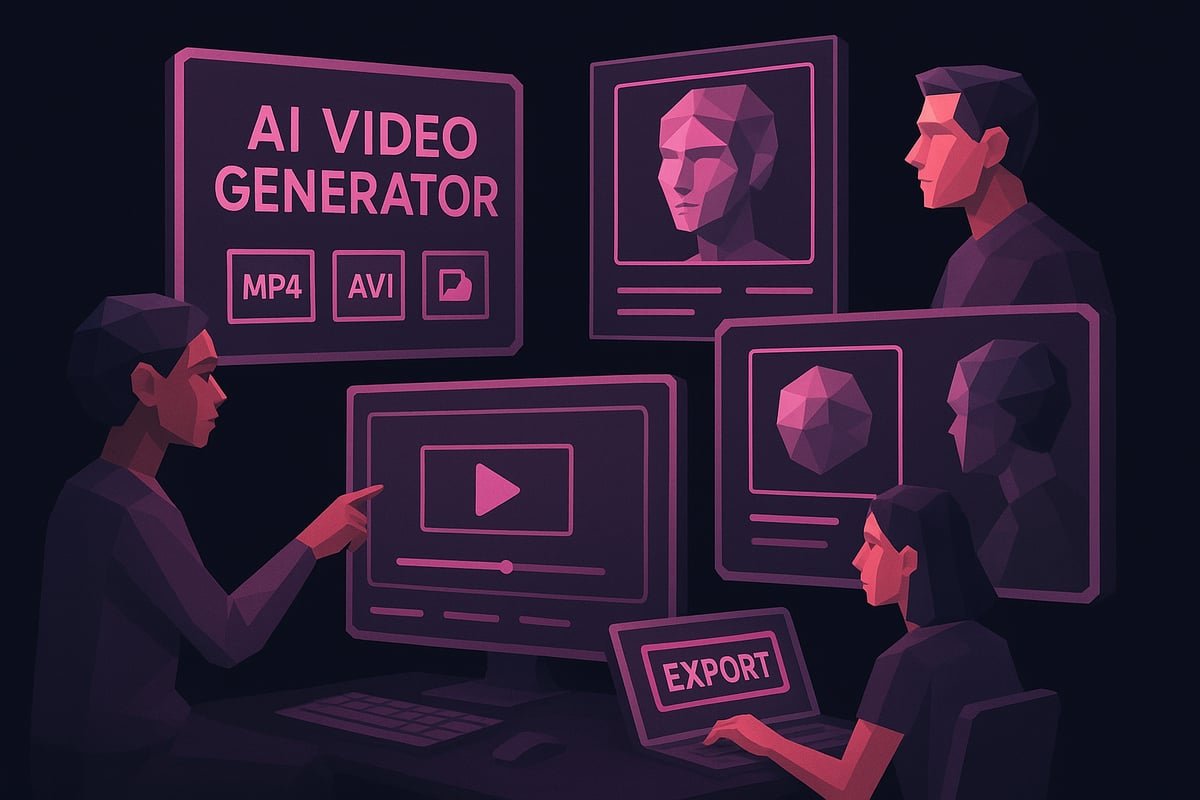
Introduction: Video Content Has a New Rulebook
Creating video content used to mean booking a studio, hiring a crew, writing scripts, shooting footage, and spending thousands of dollars before a single frame went live. For most small businesses, solo creators, and startups, that process was simply out of reach.
Enter the AI video generator — a technology that has quietly rewritten every one of those rules.
In 2026, AI-powered video tools can turn a plain text prompt into a polished, publish-ready video in minutes. No camera. No crew. No editing degree. Just an idea and a browser tab.
Whether you’re a marketer trying to scale content production, an educator building online courses, or a brand looking to dominate social media, understanding how an AI video generator works — and how to use one effectively — is now a non-negotiable skill.
This guide covers everything: what these tools actually do, which features matter most, how to get the best results, and what pitfalls to avoid.
What Is an AI Video Generator?
An AI video generator is a software platform that uses artificial intelligence — typically large language models, diffusion models, and neural networks — to automatically create video content from inputs like text, images, audio, or existing footage.
Depending on the tool, you might:
- Type a script and watch it become a narrated, animated video
- Upload a blog post and have it converted into a short-form reel
- Enter a product description and receive a ready-to-post ad
- Use a talking avatar to deliver your message on screen
The underlying AI handles scene creation, voiceover synthesis, music selection, transitions, and even captioning — tasks that previously required an entire production team.
Why AI Video Generators Are Dominating Content in 2026
The numbers tell the story clearly. Video accounts for over 80% of all internet traffic, and platforms like YouTube, Instagram Reels, LinkedIn, and TikTok continue to reward consistent video publishers with algorithmic reach.
The problem has never been wanting to make videos — it has always been the time, cost, and skill barrier.
AI video generators solve all three:
- Time: A 2-minute explainer video that once took 2 days to produce can now be ready in 20 minutes.
- Cost: Subscription-based AI tools start from as low as $20/month, compared to thousands for professional video production.
- Skill: Most platforms require zero technical knowledge. If you can type, you can create.
This accessibility has opened the floodgates. Content teams that previously published one video per week are now publishing daily.
Key Features to Look for in an AI Video Generator
Not all tools are created equal. When evaluating an AI video generator, focus on these core capabilities:
1. Text-to-Video Conversion
The most fundamental feature. You should be able to input a script or topic and receive a fully formed video with visuals, voiceover, and music. Look for tools that allow custom prompts and maintain narrative flow across scenes.
2. Realistic AI Avatars
Many top platforms now offer lifelike digital presenters that can speak in dozens of languages. This is especially useful for training content, explainer videos, and multilingual marketing campaigns.
3. Voice Cloning and Custom Voiceovers
The best AI video generators let you clone your own voice or choose from a library of high-quality synthetic voices. This keeps your brand’s audio identity consistent across all content.
4. Template Libraries
Pre-built templates for ads, tutorials, social media posts, and corporate presentations dramatically reduce production time. A strong template library is a sign of a mature, well-designed platform.
5. Auto-Captioning and Subtitles
Accessibility and SEO both benefit from accurate captions. Tools that auto-generate subtitles — and let you edit them easily — save enormous amounts of time.
6. Brand Kit Integration
Enterprise-level AI video generators allow you to upload your logo, fonts, and brand colors so every video is consistently on-brand without manual adjustments.
7. Export and Platform Optimization
You need videos in multiple formats — 16:9 for YouTube, 9:16 for Reels and TikToks, 1:1 for LinkedIn. Good tools handle format resizing automatically.
Top Use Cases for AI Video Generators
Marketing and Advertising
AI tools can produce product demos, testimonial-style ads, and promotional reels at scale. A/B testing different video creatives becomes trivial when each variation takes minutes to produce.
Corporate Training and eLearning
HR teams use AI video generators to build onboarding modules, compliance training videos, and knowledge-base tutorials — without scheduling a single recording session.
Social Media Content Creation
Posting daily short-form videos is now feasible for solo creators. AI handles the heavy lifting: visuals, narration, captions, and background music are all auto-generated.
News and Media Summarization
Publishers are using AI video tools to turn written articles into video summaries for audiences who prefer watching over reading.
E-commerce Product Videos
Retailers convert product descriptions and images into engaging video ads, dramatically increasing conversion rates on product pages.
How to Get the Best Results from an AI Video Generator
Using an AI video generator is easy. Using it well takes a little strategy. Here are practical tips to elevate your output:
Write Clear, Specific Prompts
Vague inputs produce generic outputs. Instead of “make a video about fitness,” try “create a 60-second motivational video for beginners starting their first gym routine, with an upbeat tone and energetic background music.”
The more context you give the AI — audience, tone, goal, length — the more accurate the result.
Structure Your Script First
Even if the tool auto-generates a script, always review and refine it before rendering. AI scripts tend to be accurate but generic. Add your brand’s voice, specific data points, or a unique perspective to make the content stand out.
Use Human Review as the Final Gate
AI video generators are fast, but they’re not infallible. Always watch the full video before publishing. Check for:
- Mispronounced words in voiceovers
- Awkward scene transitions
- Visual elements that don’t match the narration
- Brand inconsistencies
Optimize for Each Platform
Repurpose one core video into multiple formats. A 3-minute YouTube explainer can be trimmed into a 30-second Instagram Reel, a 15-second TikTok teaser, and a square LinkedIn clip — all from a single production session.
Add a Clear Call-to-Action (CTA)
Every video needs a next step. Whether it’s visiting a website, subscribing to a channel, or downloading a resource — your AI-generated video should end with a clear, compelling CTA.
Common Mistakes to Avoid
Even experienced content teams make these errors when first adopting AI video tools:
- Over-relying on templates without customization. Templates are starting points, not finished products. Always personalize.
- Ignoring audio quality. Poor voiceover or jarring background music will kill engagement, regardless of how good the visuals look.
- Skipping the review step. Publishing AI content without a human review creates reputational risk.
- Neglecting SEO in video titles and descriptions. Your video metadata matters just as much as the content itself.
- Using the same format everywhere. Different platforms have different audience behaviors. Customize your approach for each channel.
The Future of AI Video Generation
The pace of development in this space is staggering. In the next 12–24 months, expect to see:
- Real-time AI video generation based on live data feeds (ideal for news and finance)
- Fully interactive AI video where viewers can choose narratives or ask questions mid-video
- Hyper-personalized video at scale — imagine sending thousands of customers a video that mentions their name and purchase history
- Deeper integration with CRM and marketing platforms for fully automated video campaigns
The line between AI-generated and human-produced video content is narrowing fast. Early adopters who build workflows around these tools now will have a significant competitive advantage as the technology matures.
Conclusion: Your Next Video Is One Prompt Away
The AI video generator has democratized professional video production in a way that nothing else has. What once required studios, editors, and budgets now requires only an idea and a few minutes of your time.
For businesses, creators, and marketers, the message is clear: video is not optional, and AI has removed every excuse for not creating it.
Start with a free trial of one of the leading AI video platforms. Test it with a piece of content you already have — a blog post, a product description, a FAQ. See how quickly a polished video comes together. Then build that workflow into your regular content calendar.
Your audience is already watching. The only question is whether your content will be there when they look.
Ready to scale your video content without scaling your budget? Explore the top AI video generator platforms available today and publish your first AI-powered video this week. The tools are ready — and so is your audience.